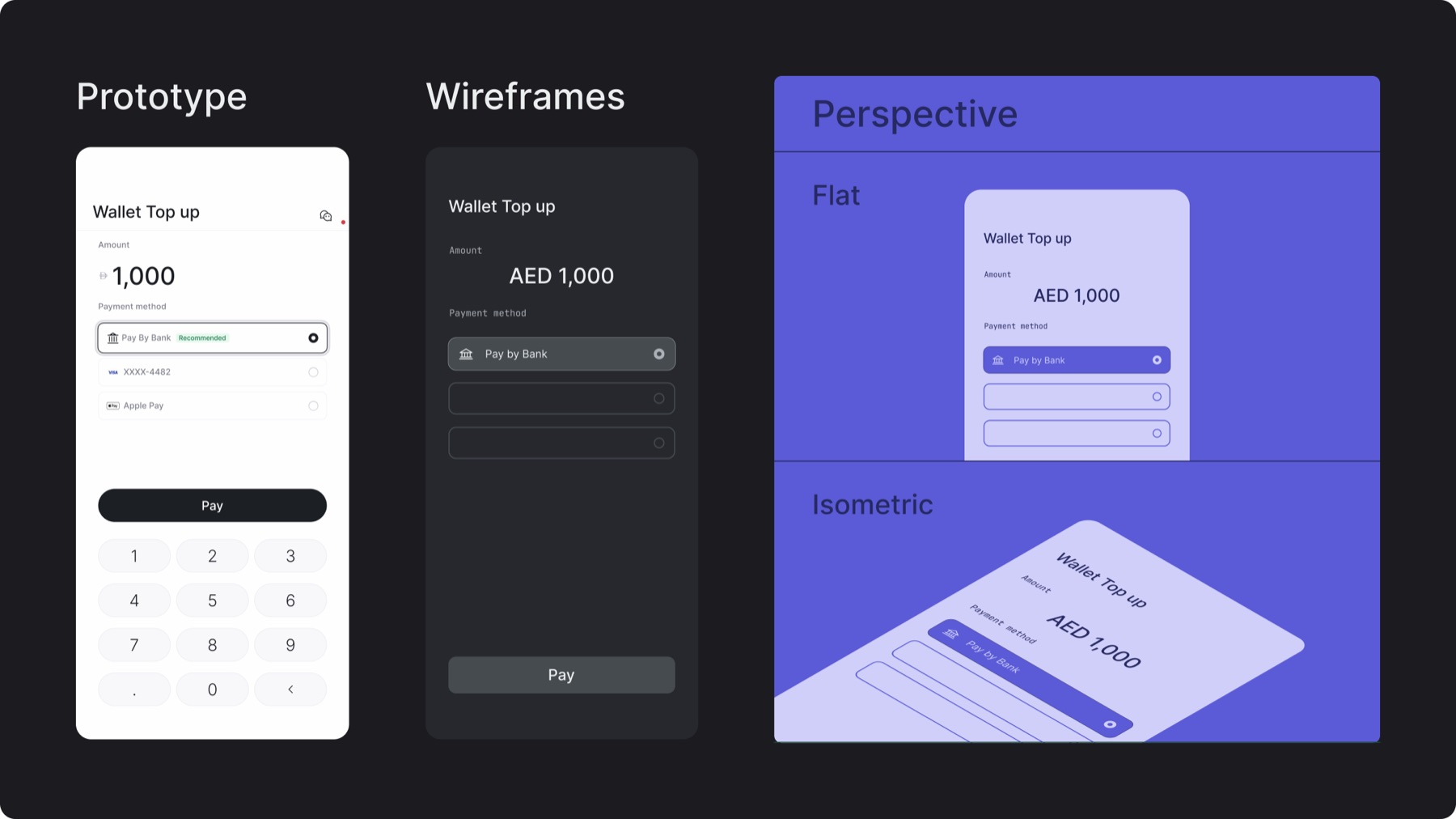
Prototypes: Showcase the product in action, highlighting real interactions, flows, and transitions as they would occur in use
Wireframes: Showcase how the product works, focusing on system logic without visual distraction, these can be in a neutral or monotone color treatment
Perspective: Screens may be treated with a flat or isometric perspective
12.B. Use in layout
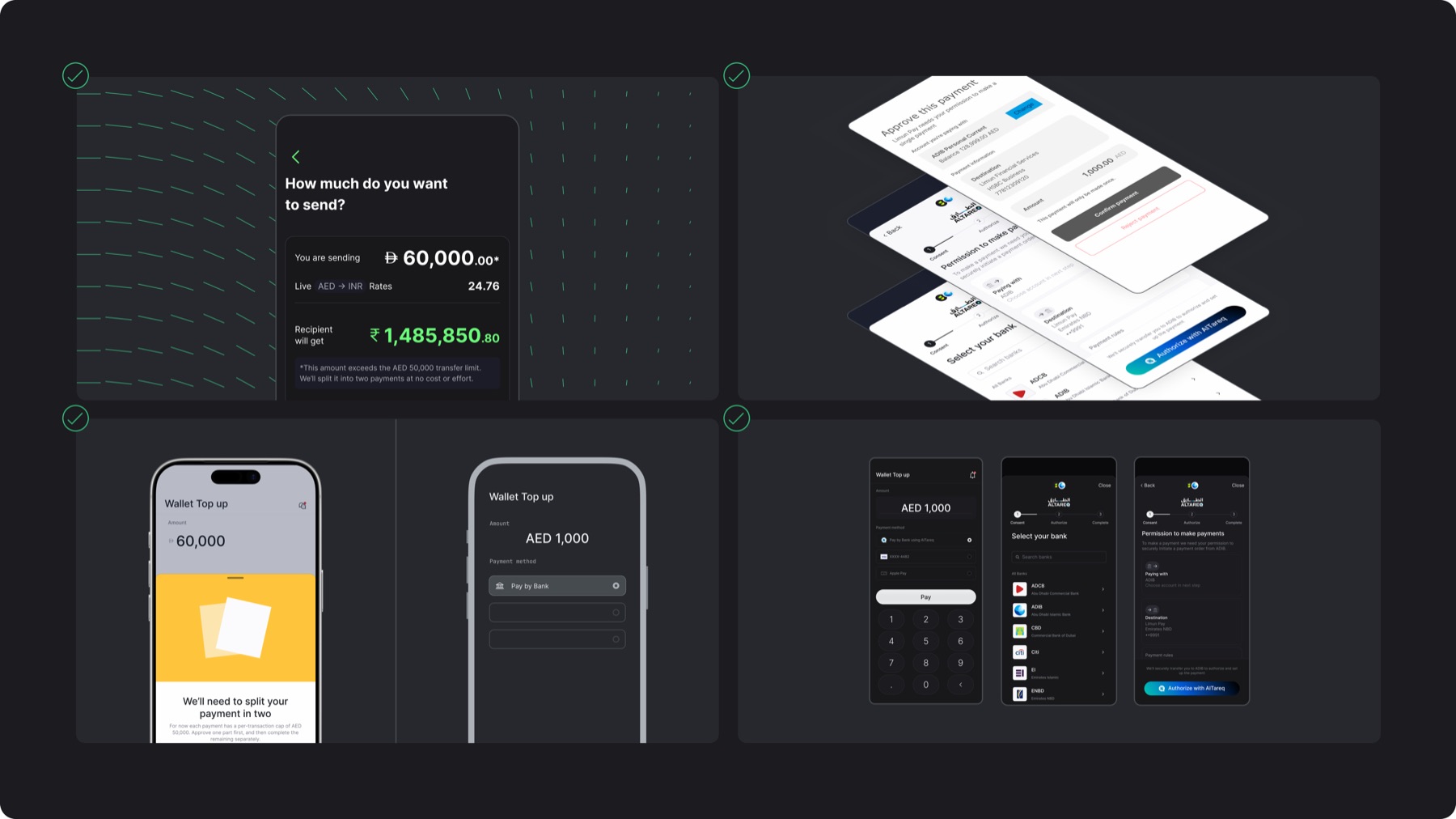
Scale: Screens may appear in full or cropped within a layout
Stacking: Screens can be stacked, add a stroke and drop shadow in neutral 2 color (blur: 40, spread: -10, opacity: 20%) to differentiate between screens with similar backgrounds
Bezels: Use bezels when showcasing a specific use case, a realistic phone bezel is used for prototypes while a simplified flat graphic is used for wireframes
Stroke: Strokes can be added to screens if their background blends in with the design
12.C. Misuses
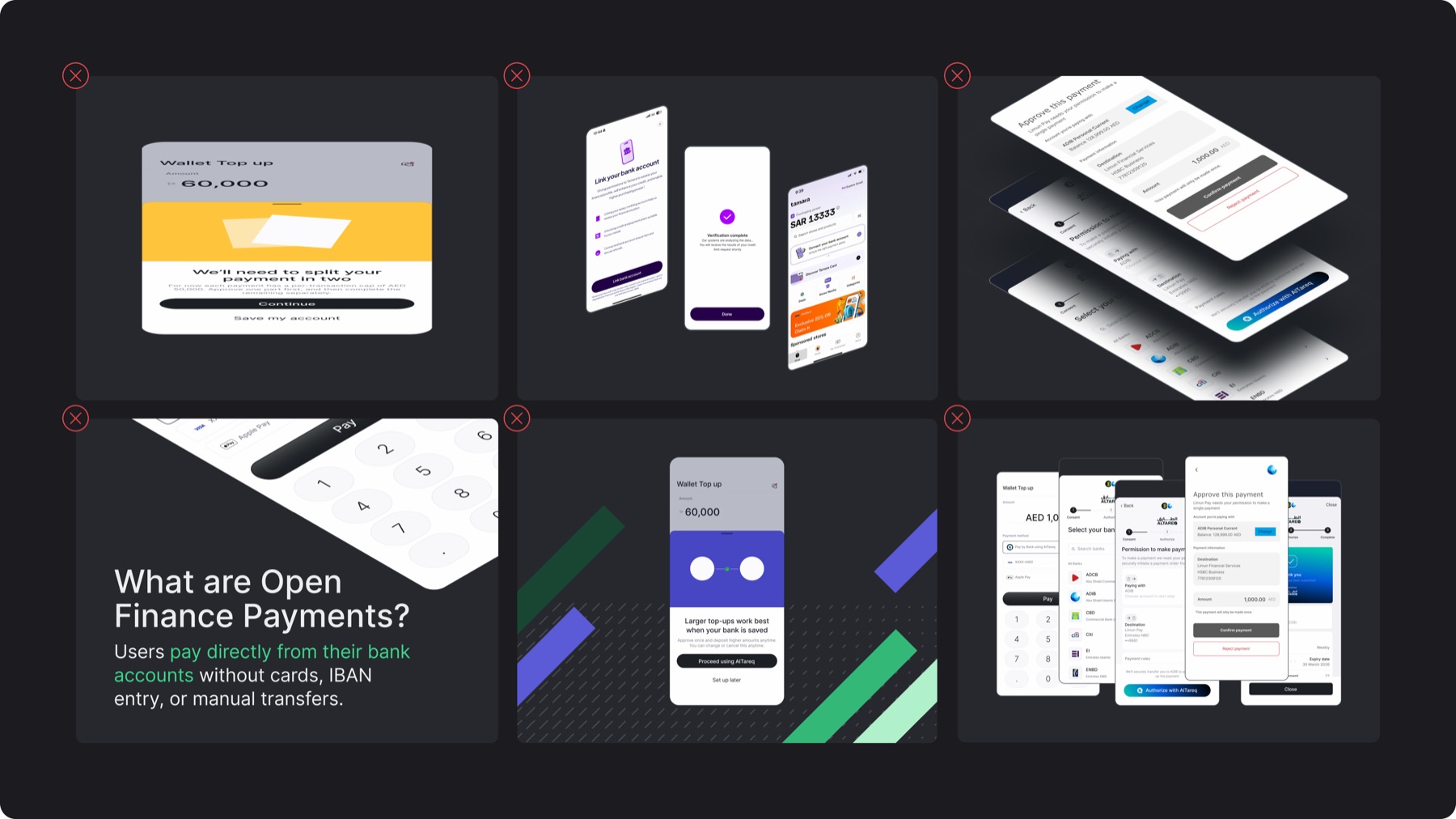
✕Distorting the screen ratio through stretching, squeezing, or incorrect scaling
✕Mixing flat and isometric screen treatments within the same composition
✕Using colored, harsh, or excessive drop shadows
✕Cropping screens in ways that remove essential UI context
✕Placing screens over busy patterns, illustrations, or backgrounds that reduce legibility
✕Placing multiple product screens in a random or cluttered arrangement