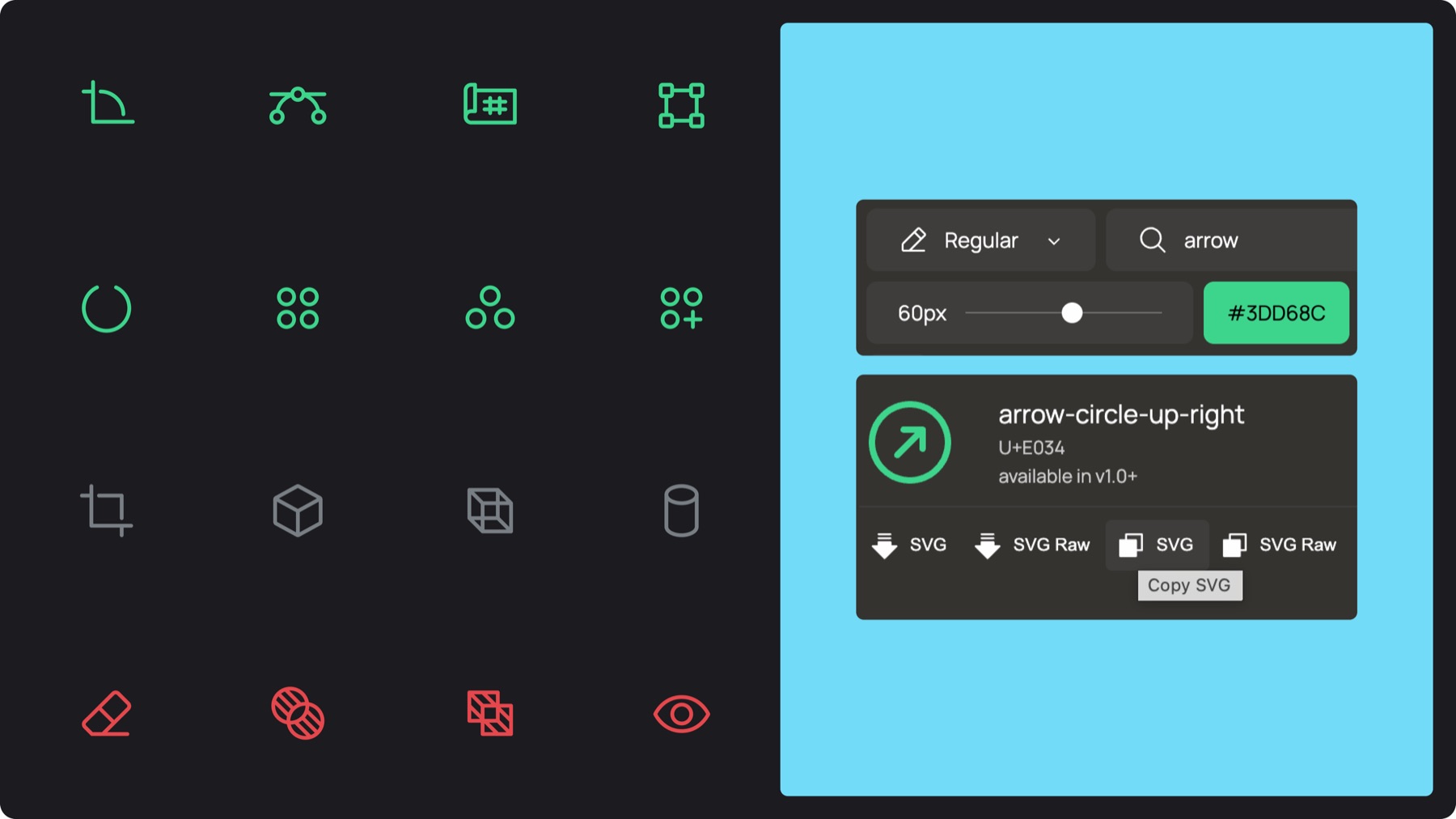
Color: Accent green is the default, neutral 10 for color-heavy layouts, neutral 2 on colored background, red for errors, weaknesses, or pain points
4.B. Market icons
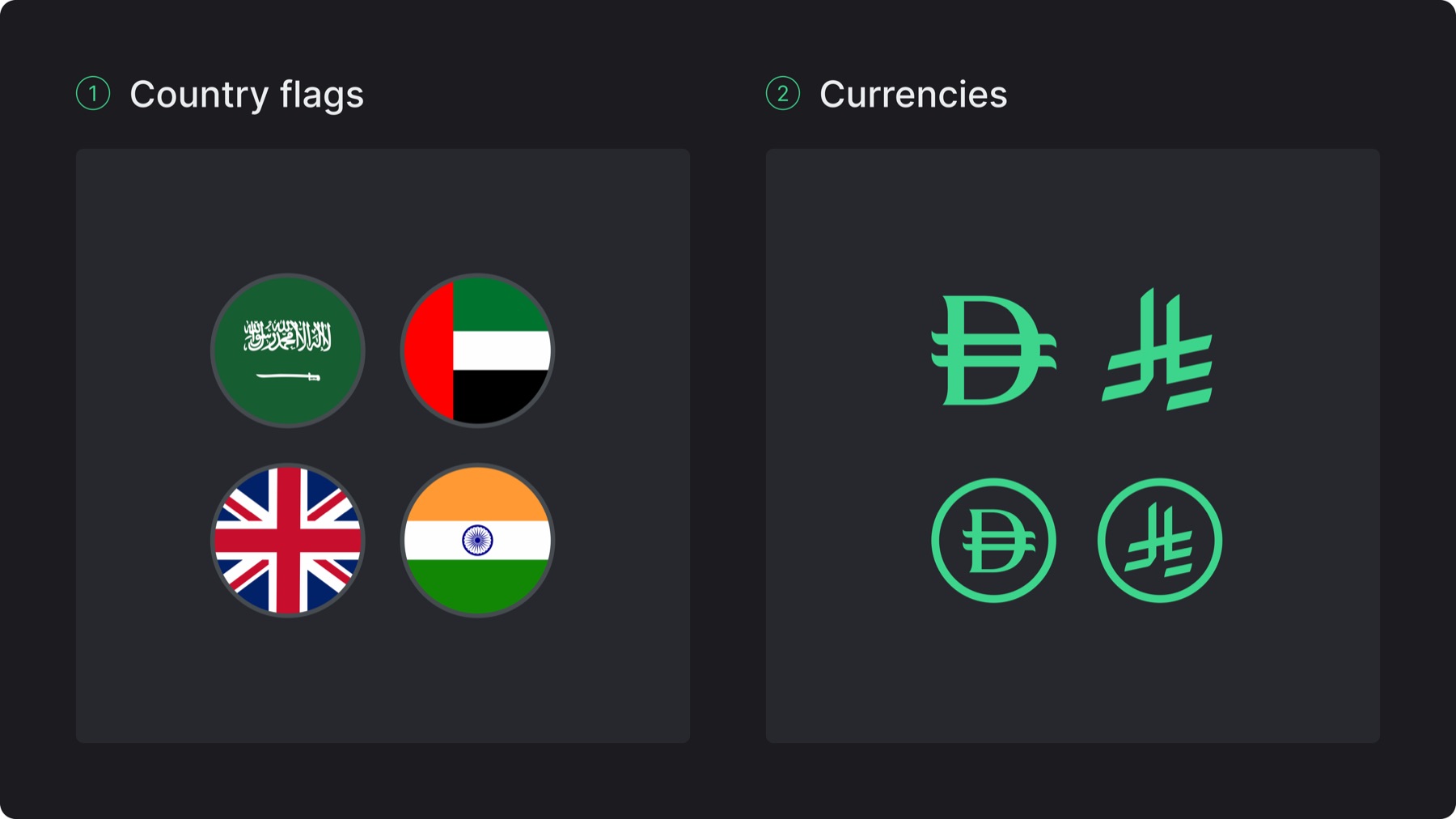
Function: Identify countries and currencies, these are not generic visual symbols, they represent specific markets and financial ecosystems
Source: Country flags from the Flagz library, currency icons are based on internationally recognized currency symbols
Style: Use circular flag icons with a subtle stroke, currency icons should appear either standalone or centered within an outlined circle
Color: Neutral 7 stroke for country flags, and accent green as the default for currencies, otherwise match the currency icon color to the text color it is paired with
4.B. Use in layout
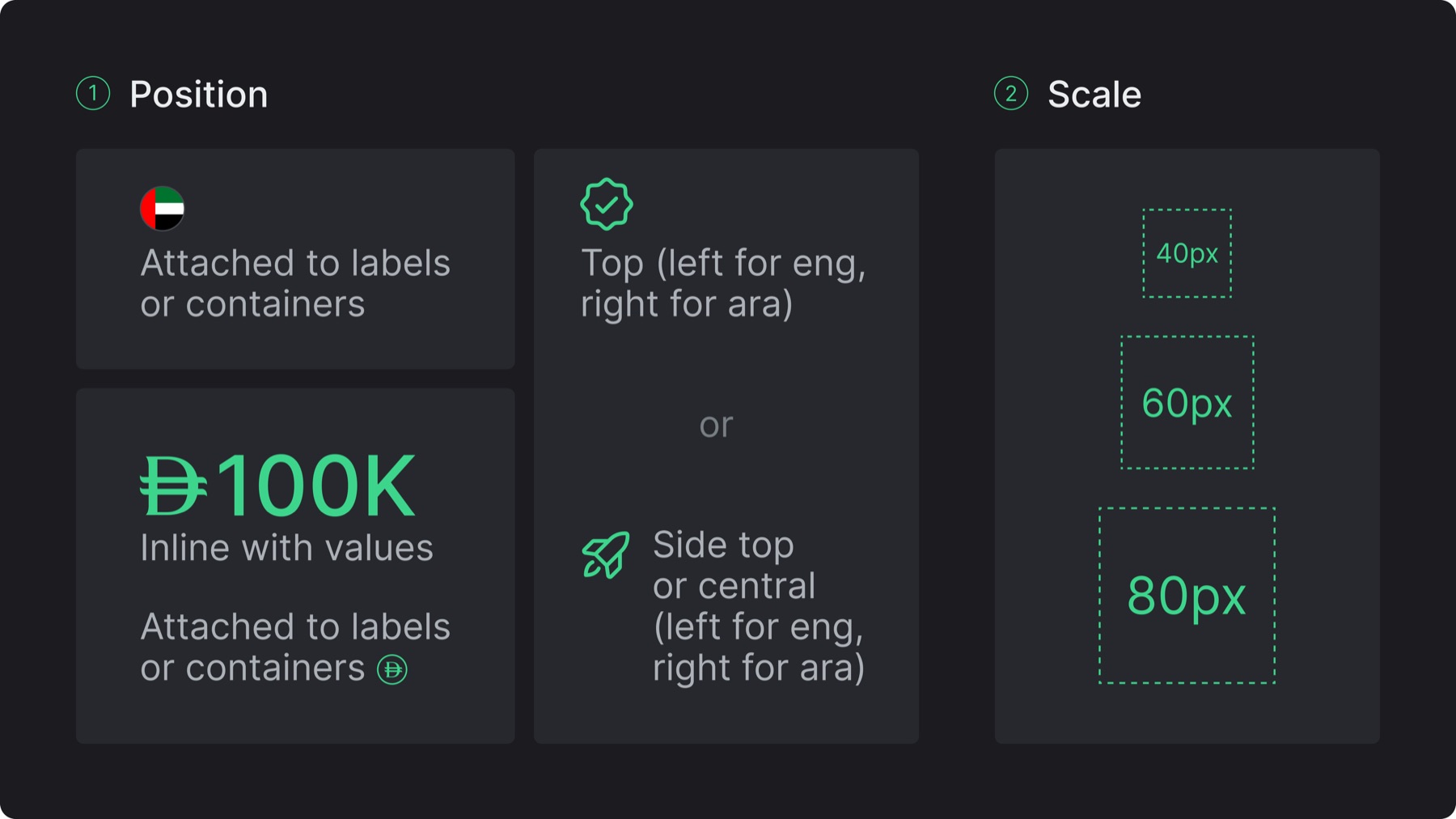
Position: Always attach market icons to a related value, label, or containers, graphic icons may be placed above or beside content, following the reading direction of the layout (left for English, right for Arabic)
Scale: Keep icons small and secondary to text while maintaining consistent sizing within the same composition, follow a sizing standard of 40/60/80px
4.C. Misuses
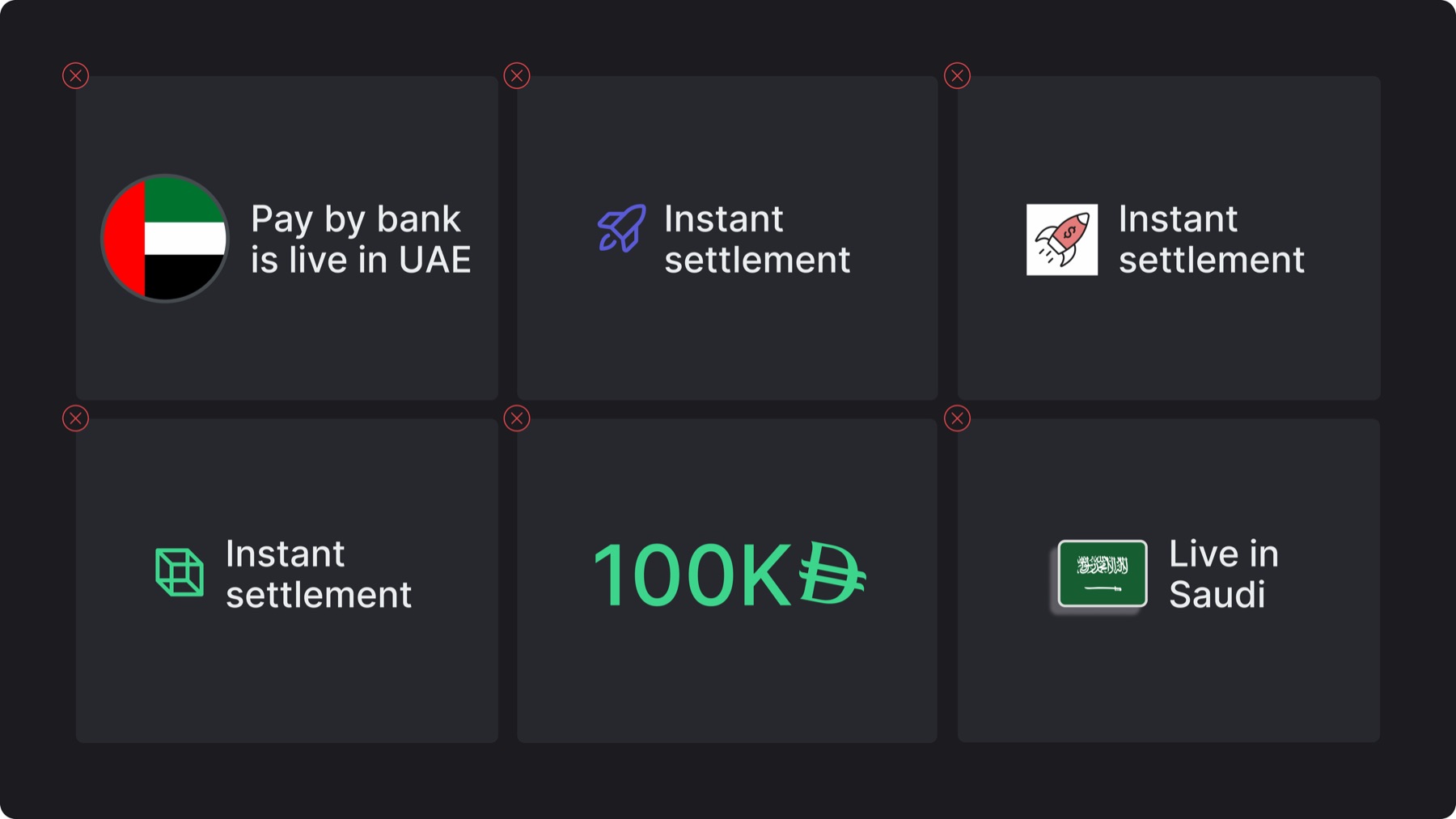
✕Using icons as large illustrations or at inconsistent scales
✕Using colors outside the defined iconography colors
✕Using other icon libraries or online graphics
✕Using icons that don’t match the content’s meaning