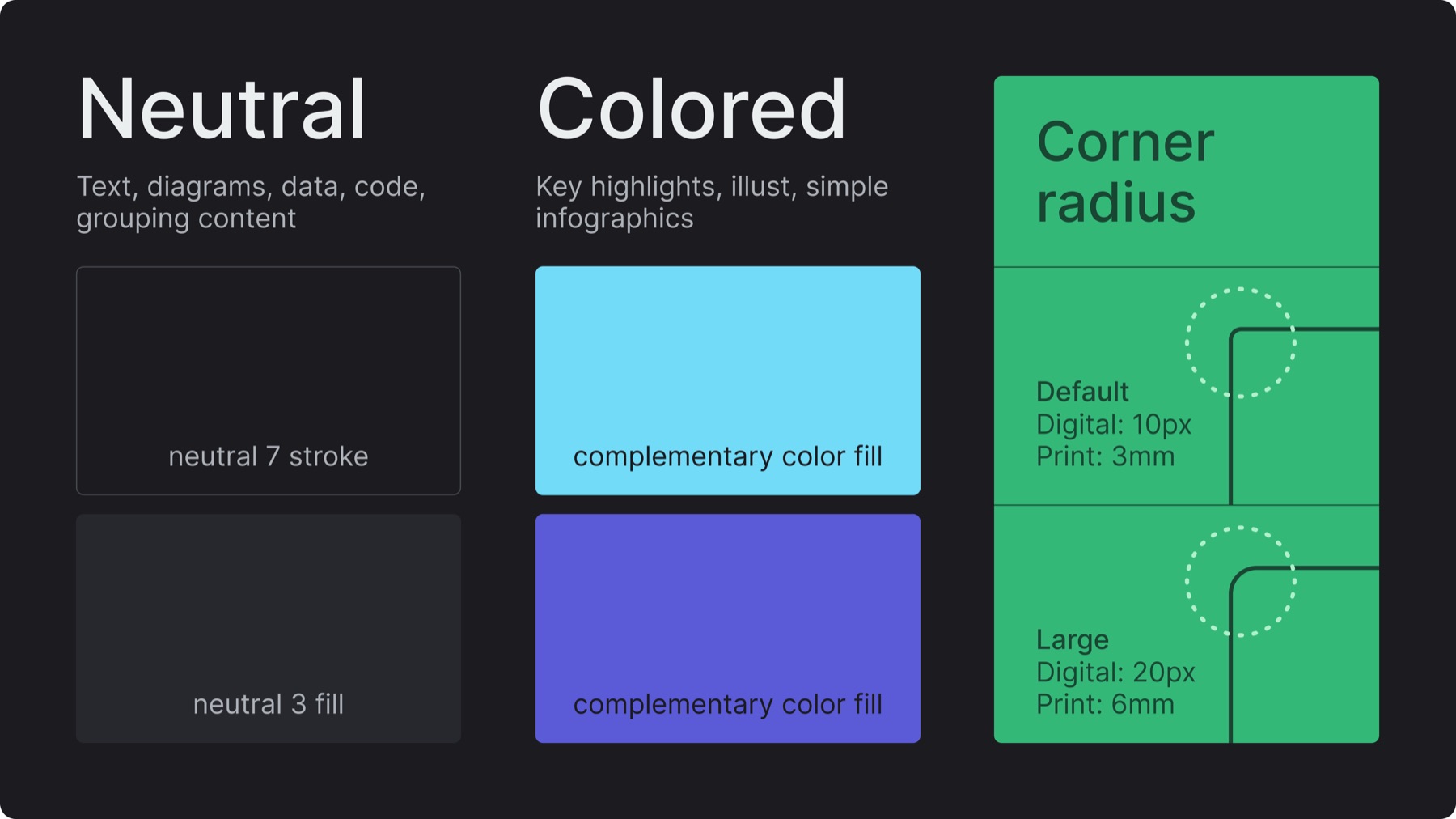
Shape: Rounded rectangles with consistent corner radius (default: 10px digital / 3mm print - large: 20px digital / 6mm print)
Color: Neutral containers in stroke neutral 7 or fill neutral 3 - colored containers in complementary brand colors assigned on Figma variables (use color semantically when appropriate like red for error)
When to use neutral or colored: Neutral for text, diagrams, data, code, grouping content - colored for key highlights, illustrations, simple infographics
When to use stroke or fill: Fill for strong separation, visual weight, to draw attention - stroke for subtle grouping, low emphasis, illustrative diagrams
8.B. Use in layout
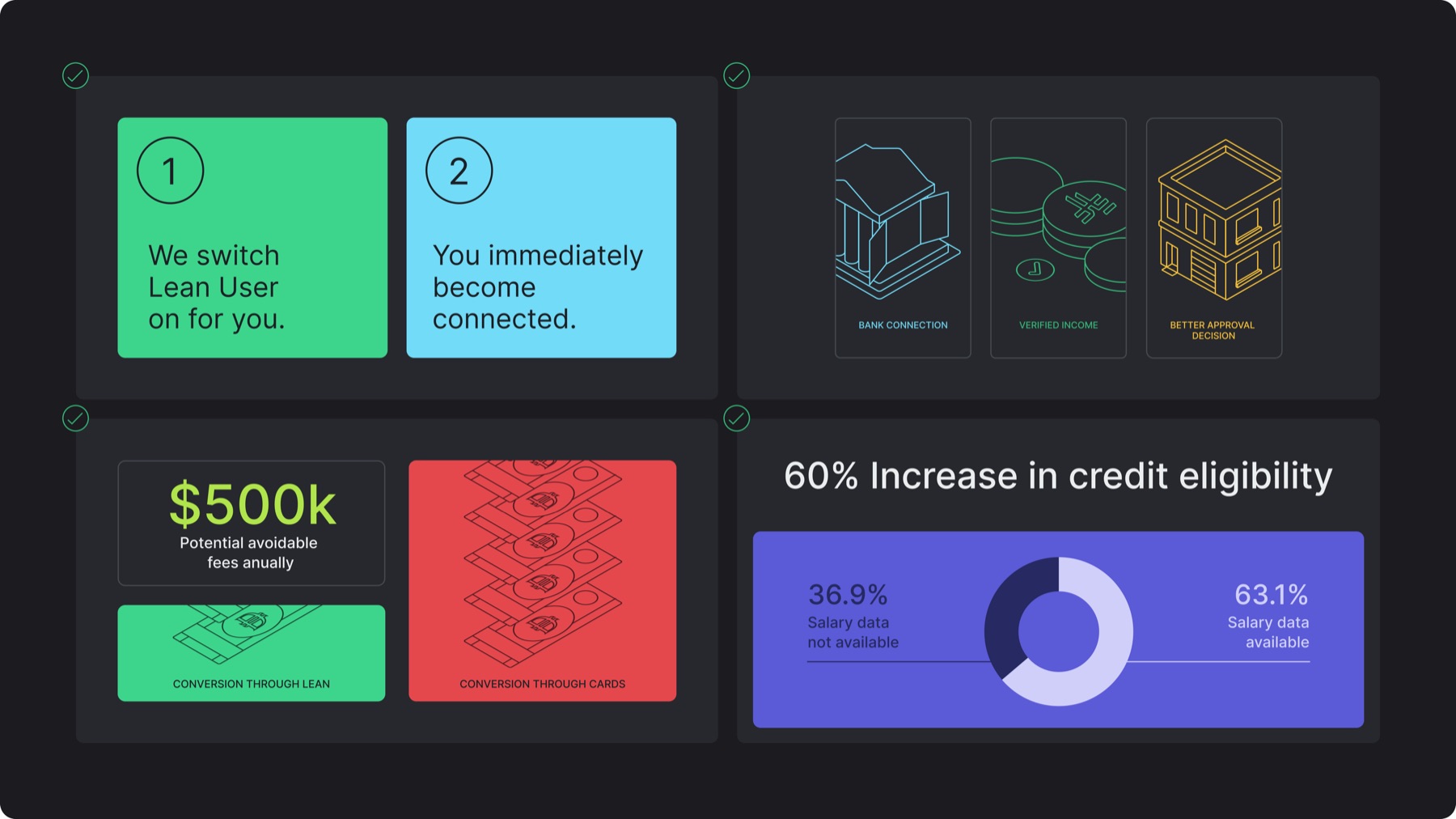
Containers are aligned to the layout margins by default
Illustrations and infographics can bleed within containers but text should have sufficient padding from container edges
Different container styles can be used within the same layout to group different information
A tighter edge alignment is permitted for emphasis or density using the following spacing: 30px (16:9), 40px (1:1, 4:5), 20px (1.91:1)
8.C. Misuses
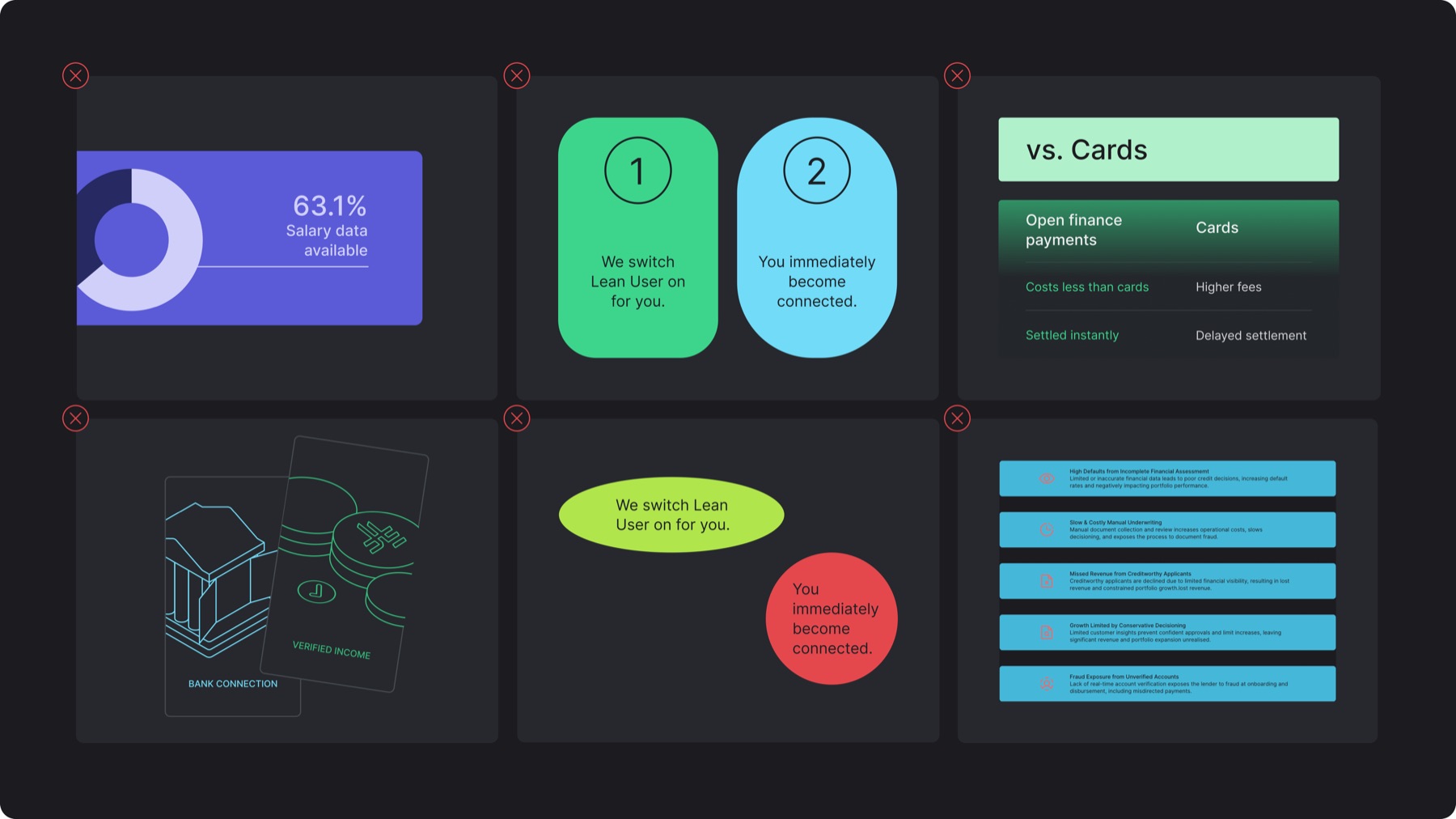
✕Cropping containers from the layout edges
✕Applying inconsistent corner radii or exaggerating beyond the defined proportional system
✕Applying undefined container colors or effects like gradients
✕Misaligning or tilting containers in layouts
✕Changing the shape of containers
✕Using the wrong container style for the wrong content (ex: long text within colored containers)