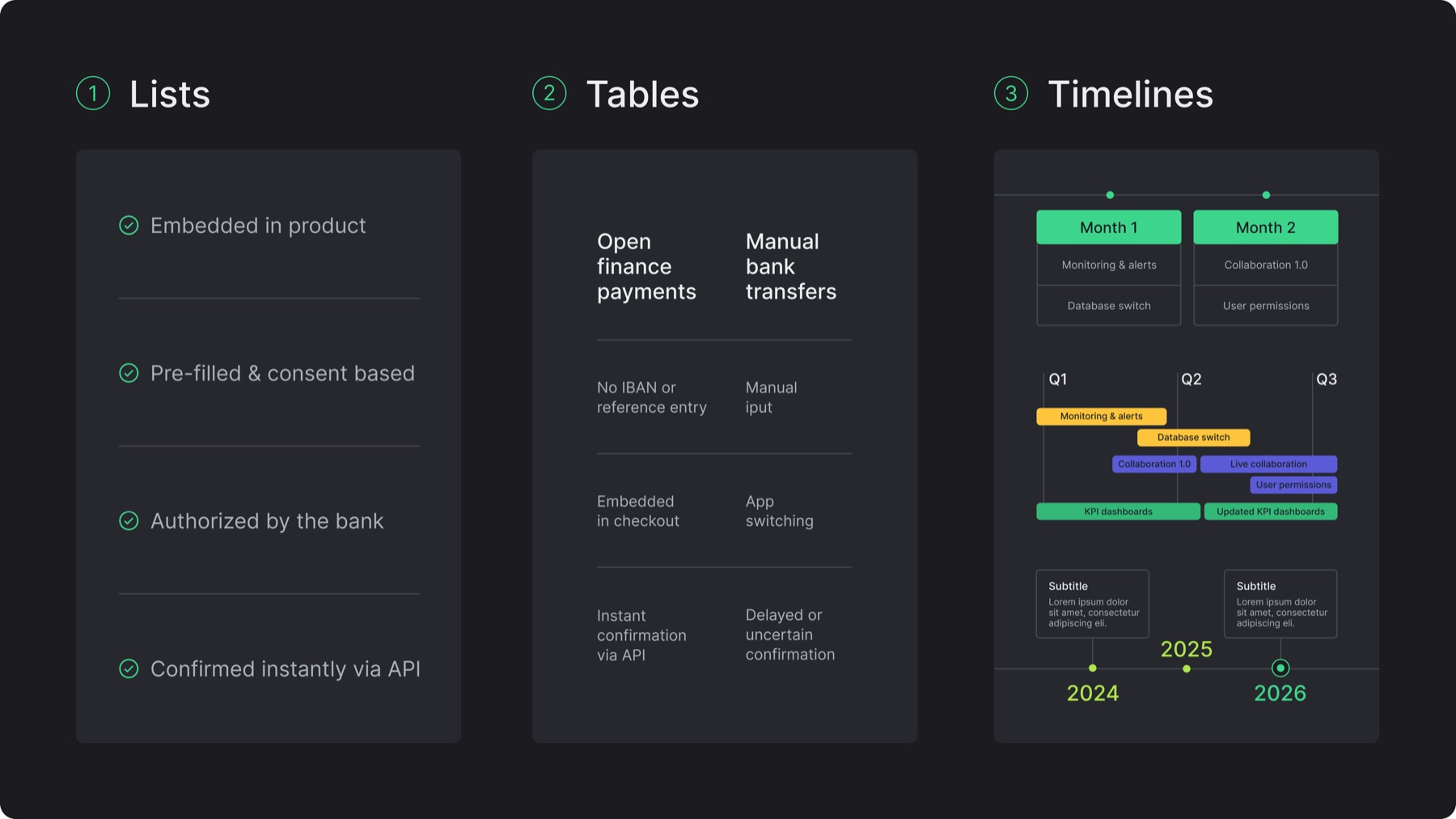
Keep visuals functional, clear, and clean, not decorative
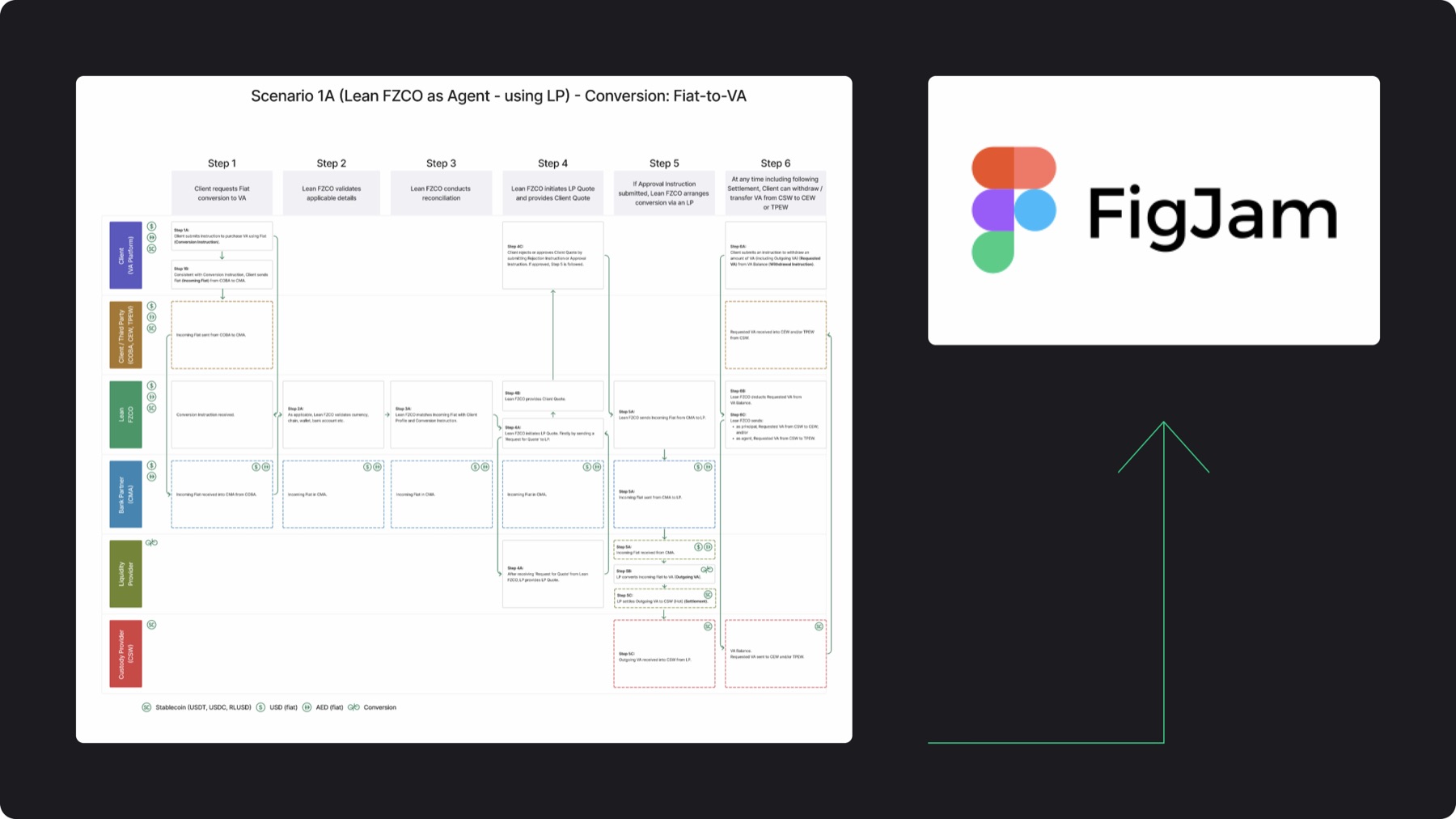
Brand colors and container styles maintained, some deviation from brand guide is acceptable given regulatory context and use of FigJam
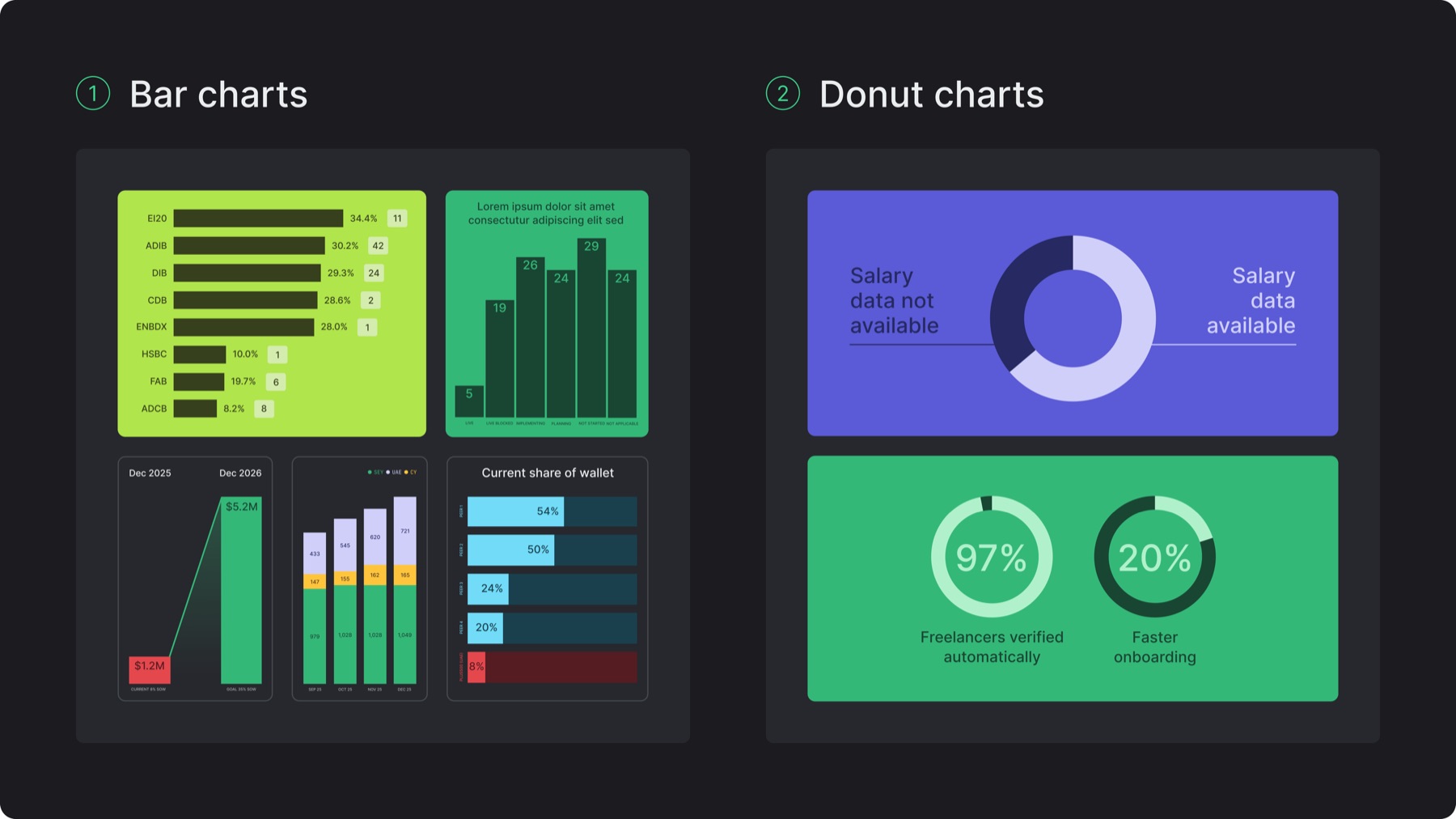
11.D. Bar & donut charts
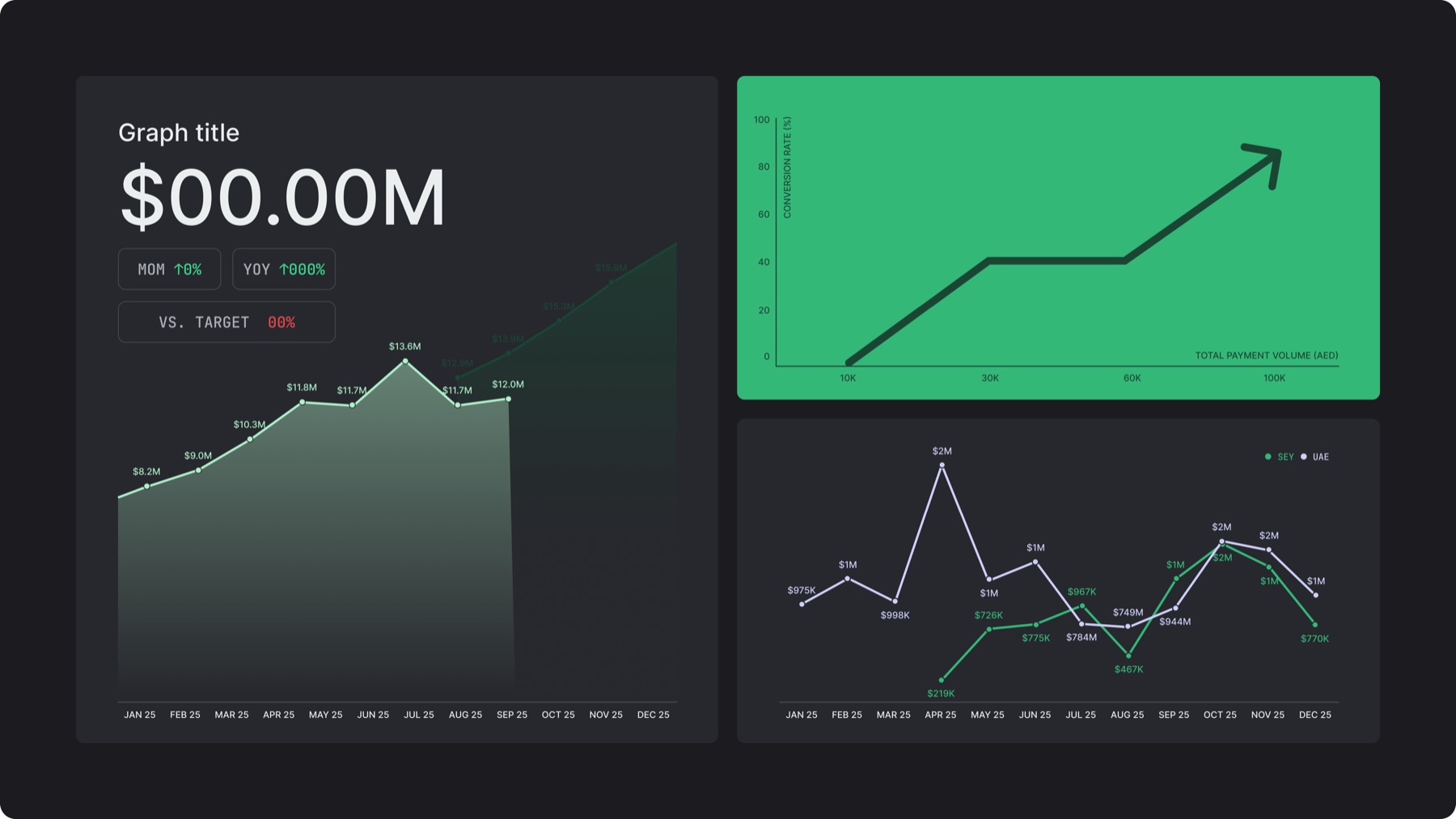
Bar charts are composed of sharp rectangles, no axis or grid lines are used, integrate gradient only as an exception to highlight an area
Donut charts are characterized by a thick circular stroke with colored segment divisions
Keep charts within containers, never floating in layouts
Use neutral containers to highlight different data within a chart, use colored containers only when the chart can work in a monotone treatment without weakening hierarchy
Use Inter Medium (all caps)for short labels and legends
11.E. Graphs
Graphs can be simple (showing growth/decline) or complex (data-specific)
Use monotone treatment for simpler visuals, and neutral containers for complex datasets
Line style is sharp with rounded corners, dots can be added on the line to mark data points
Gradient is used only as an exception to highlight an area
Use axis lines if functionally required
11.F. Misuses
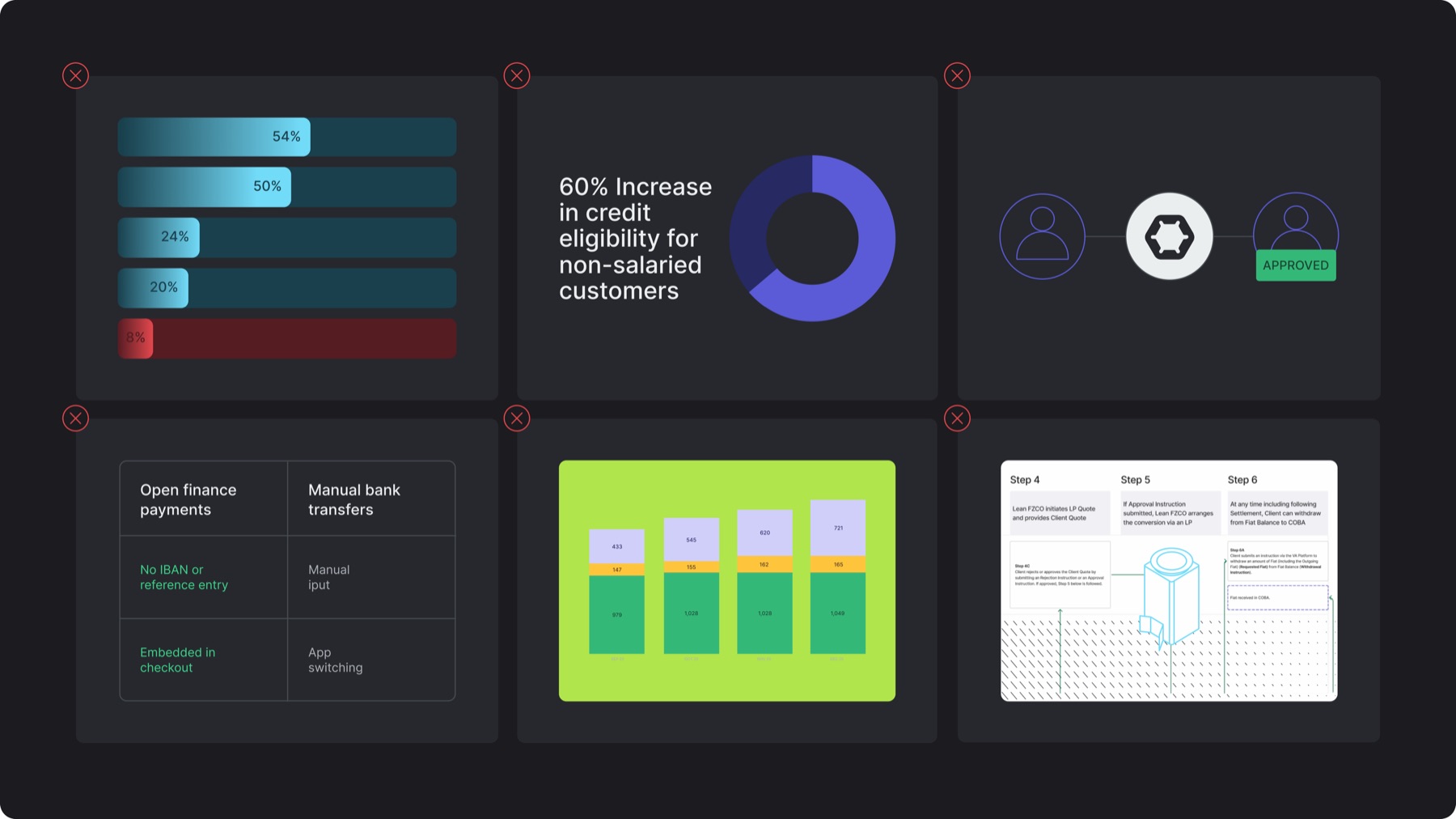
✕Applying gradients to charts or graphs by default with no added value
✕Floating charts in layouts without containers
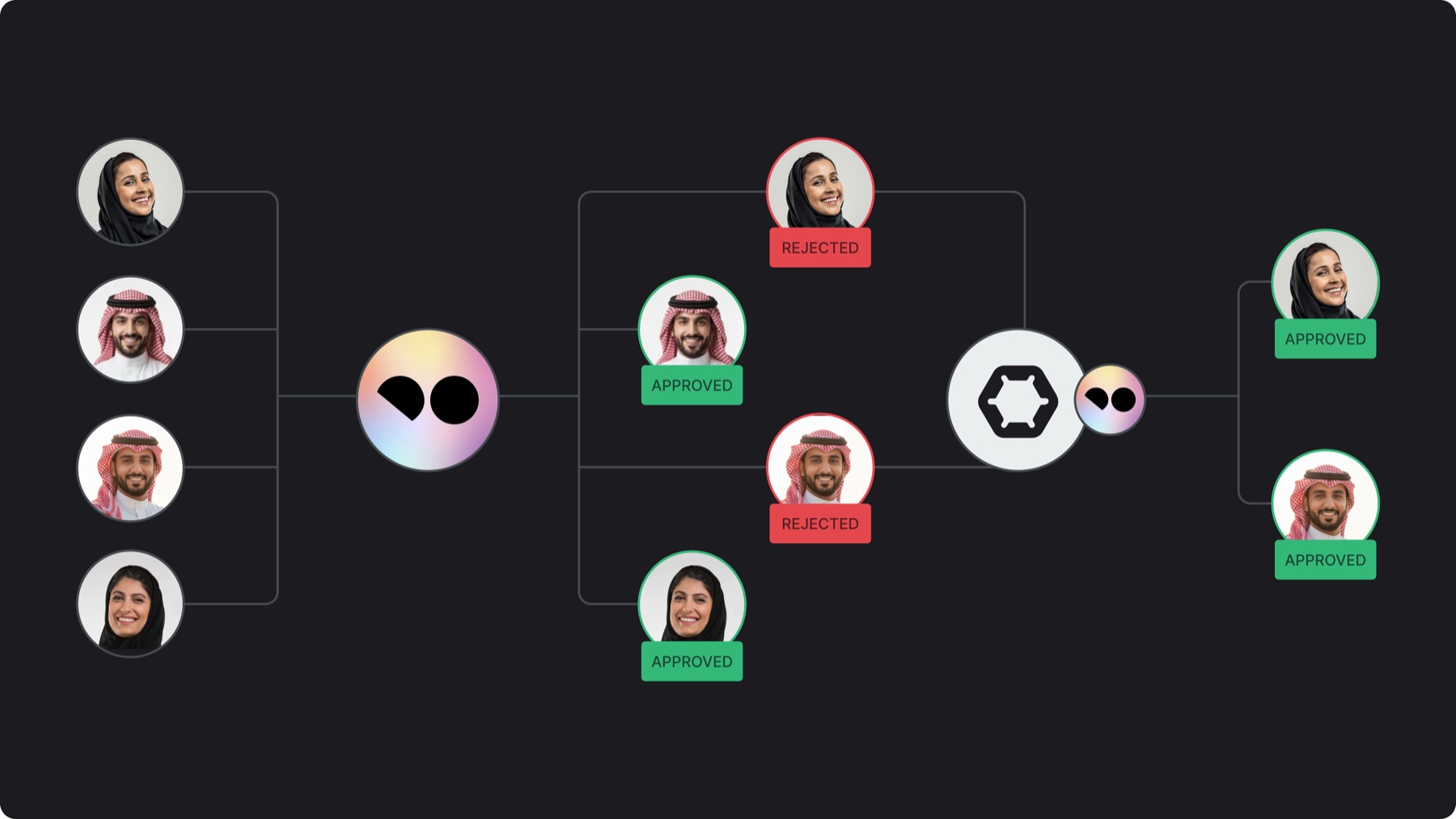
✕Using illustrations or avatars to represent users instead of real portrait photography
✕Using full grid / boxed borders in tables
✕Placing multi-color / multi-category charts or graphs in colored containers
✕Adding decorative styling (ex: illustrations, patterns) to regulatory diagrams