Content: Select authentic, high-resolution imagery grounded in financial infrastructure, technology and regional context, avoiding generic or overly staged scenes
Sourcing: Prioritize original photography or high-quality, rights-cleared stock for people and real-world scenes, and use AI-generated imagery only for abstract visuals and textures, never for people (this rule also applies to monotone and product imagery)
Cropping: Crop around a clear focal point, keeping compositions simple and preserving negative space where needed
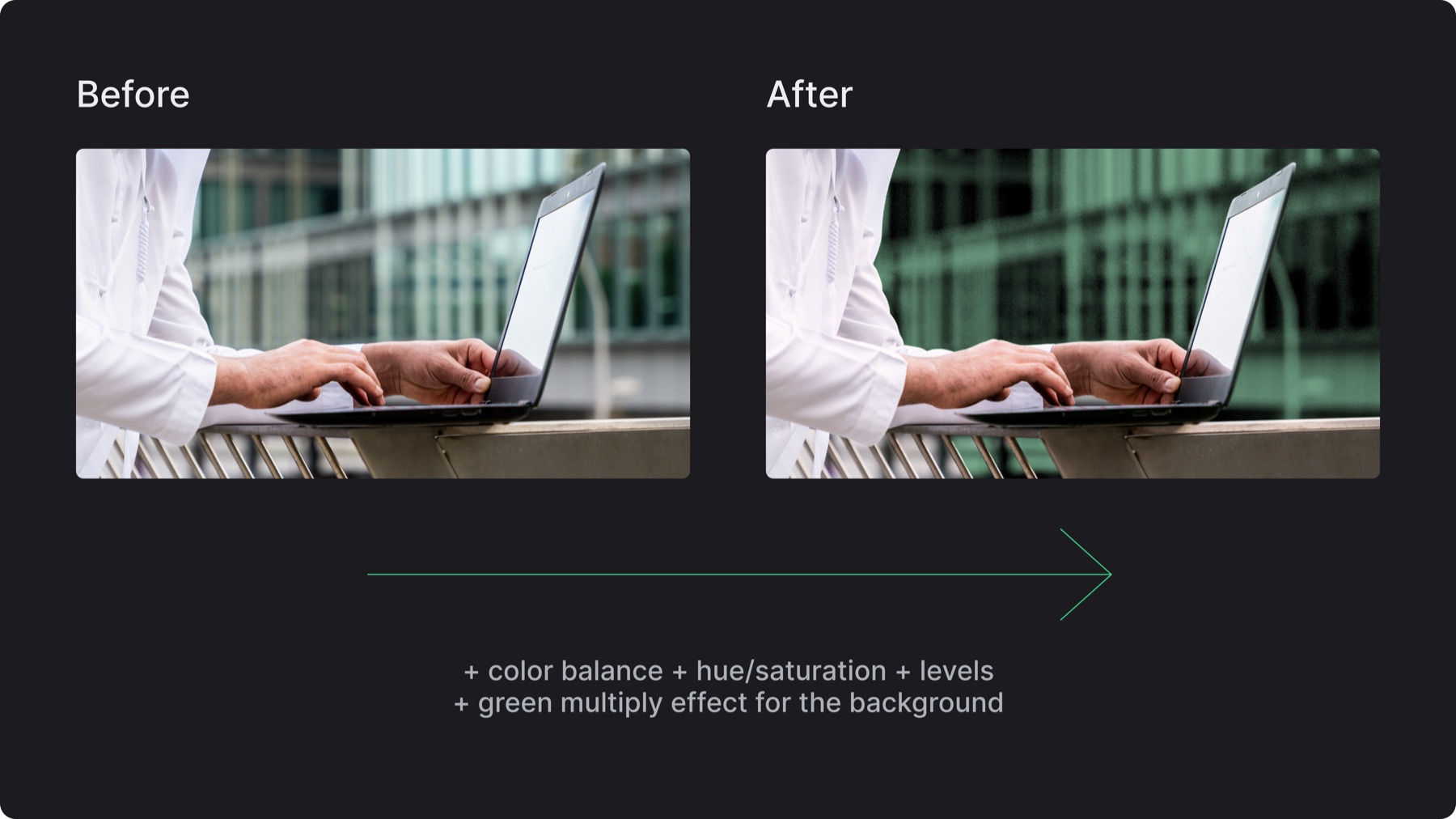
Editing: Refine color, saturation, contrast and levels to create rich, natural imagery that aligns with the brand palette
6.B. Monotone treatment
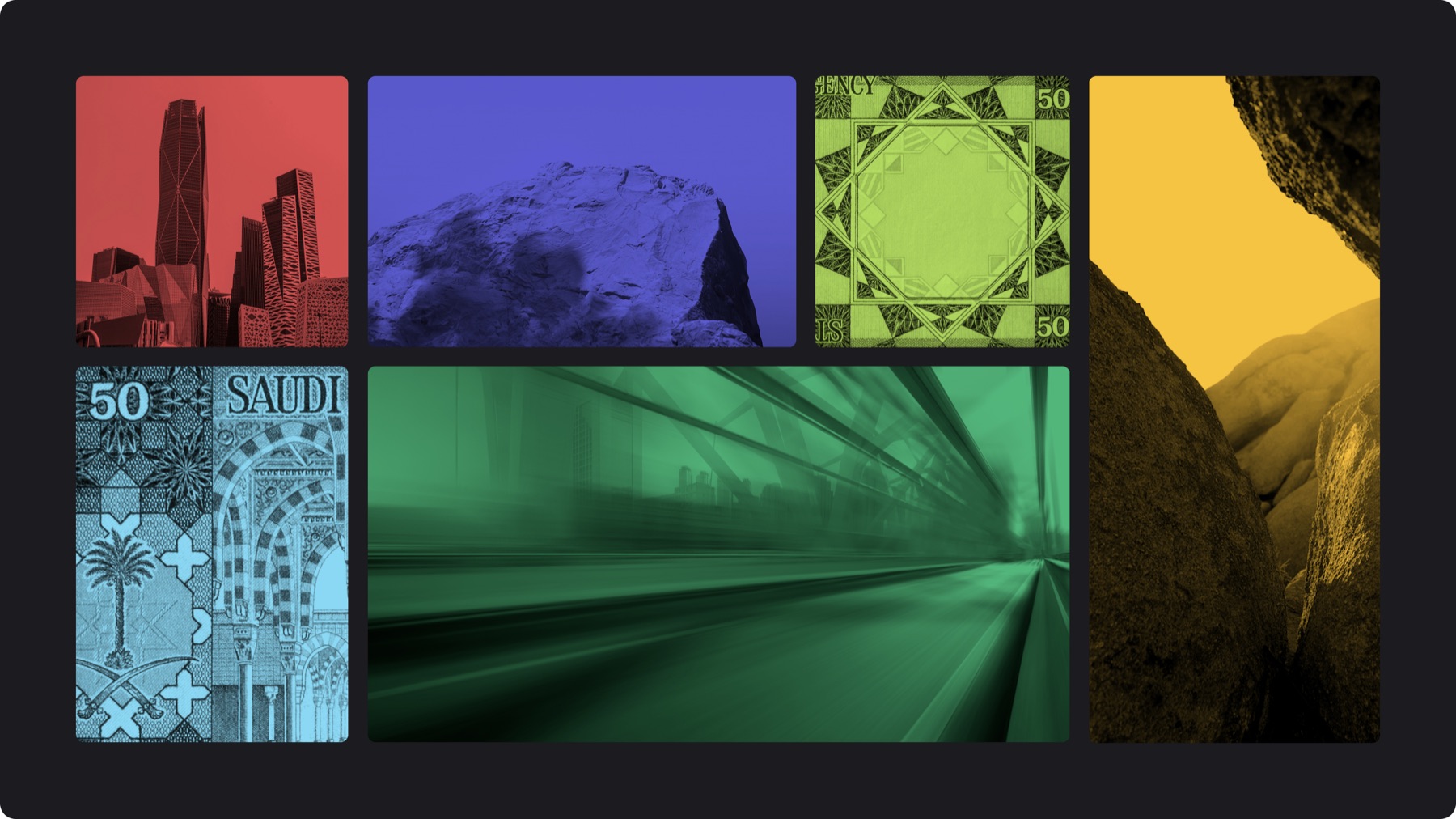
Content: Prioritize architecture, infrastructure, technology, motion, regional details and textures with strong shapes, depth and contrast
Cropping: Use intentional crops to create a balance between abstraction and recognition while preserving key details
Editing: Convert to black and white, strengthen the tonal range, then apply any of the brand’s 6 complementary colors using a multiply effect
6.C. Product imagery
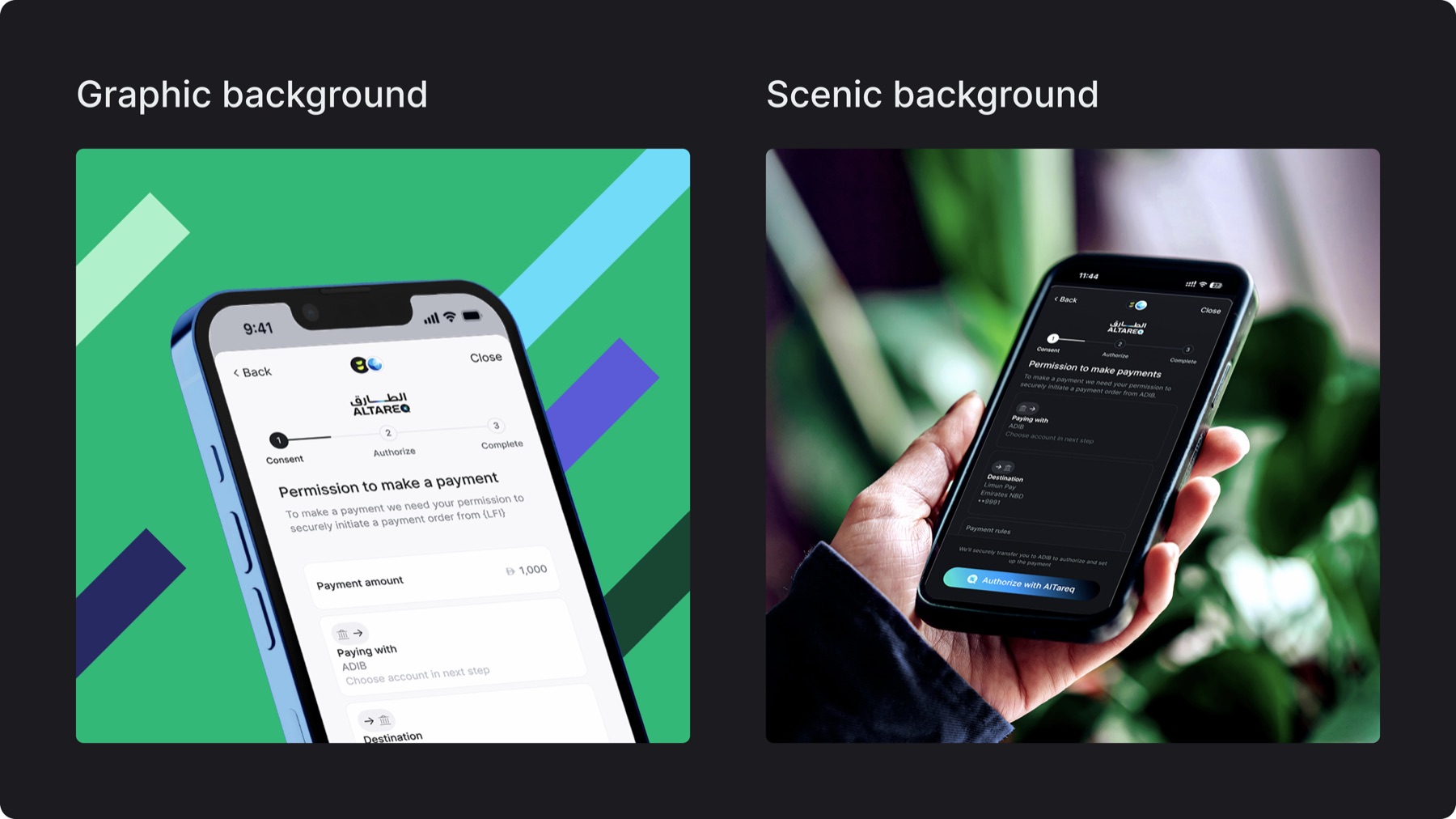
Graphic background: Use realistic device frames on neutral or brand-colored backgrounds to showcase final UI clearly and keep the product as the sole focus (refer to section[](/p/3026e4dcda1e80bc951ae2376be07bce?pvs=25#3036e4dcda1e8016b065c489d538d45a)12 for screen guidelines)
Scenic background: Place the product in a contextual, everyday setting to show real-world use and add mood, while keeping the interface as the focal point, follow natural imagery (6.A.) standards and use stock, AI or manual retouching to adjust light, perspective and color
6.D. Portraits
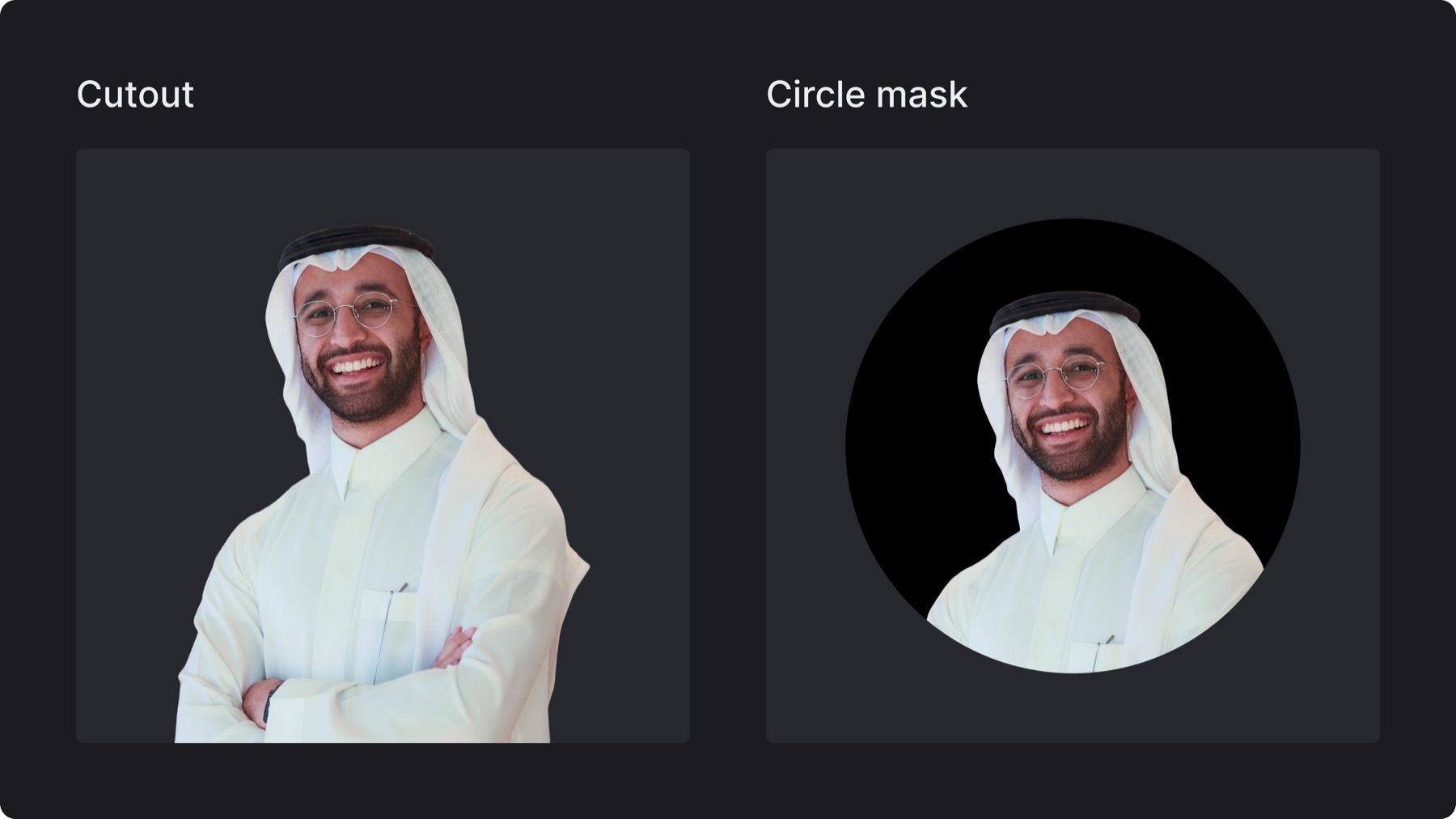
Cutout: Use clean, high-resolution portraits with natural lighting, removing the background cleanly for flexible integration into layouts
Cropped: Place portraits within a black circular frame for a more contained treatment, using intentional crops that preserve key facial features
Note: Keep portrait treatments, scaling, and cropping consistent within the same composition or content series
6.E. Use in layout
Use full-bleed imagery for high-impact moments and visual breaks
Images may bleed from one or two sides of the layout
Use monotone imagery to introduce brand color, create visual breaks and support text-heavy layouts.
When contained within margins, use the approved corner radius
Align image edges with the layout grid and surrounding content
Maintain enough contrast when placing text over imagery
round corners if not used in bleed
Pattern may be applied to imagery in expressive applications; follow the rules defined in the Pattern section
6.F. Misuse
✕Do not use generic, overly staged or irrelevant stock or ai generated imagery
✕Do not use low-resolution, pixelated or heavily compressed images
✕Do not stretch, distort or disproportionately scale imagery
✕Do not use overly busy compositions without a clear focal point
✕Do not apply unapproved color treatments, filters or effect
✕Do not use inconsistent corner radii or arbitrary cropping
✕Do not place text where imagery compromises legibility / Avoid placing text over busy or highly detailed areas
✕do use black and white imagery
✕Do not overuse treated or pattern-based imagery; use them intentionally to create emphasis and contrast